
On NARA’s UAP bulk download page, choose a listed entry by its title: its records ZIP contains the available digital files, while the separate JSON link provides metadata. Save both as needed, retaining the original downloads while you work from extracted copies. Use the metadata’s Catalog identifiers to connect local files to record descriptions, and log when you retrieved them. Use the tracking template below to keep that trail together.
Choose a package from NARA’s current download page
Choose from the entries on NARA’s download page by their listed record type, archive and title. Entries link to JSON metadata and offer a records ZIP where digital files are available; some ZIP downloads are divided into numbered parts. The ZIP column also marks some entries “Not Available Online.” The page displays sizes for listed downloads, which can help you plan storage and decide whether to start with the JSON.
If you want digital files, check the ZIP column before choosing an entry, then select its ZIP link or all numbered ZIP parts listed for it. If you first want to inspect descriptions and identify relevant records in the UAP records collection, start with the entry’s JSON link. Match links by the entry in which NARA lists them rather than assuming similarly named downloads from different entries belong together.
Download the package and log when you got it
Follow the link or links beside your chosen entry and save the downloads in a folder named for that entry. If the ZIP is split into numbered parts, save every part you intend to use and keep their filenames intact. Save the linked JSON alongside them so it is clear which listing supplied both kinds of material.
Create a plain-text or spreadsheet log before you begin examining records. Note the source page URL, the entry’s label, each downloaded filename, its listed size and the date you downloaded it. That last date documents your copy; it is not a date when NARA created, published or updated an individual record. If you download a replacement later, add a new log entry rather than changing the old retrieval date.
Extract a working copy without changing the originals
Keep the downloaded ZIP and JSON unchanged in an originals folder. Extract each ZIP into a separate working folder, leaving the archive intact. If an entry lists numbered ZIP parts, retain and inspect every part; do not assume they form one multipart archive. Extract them separately unless their format or NARA’s instructions establish that they must be joined. Check that you have room for both the downloads and extracted files before starting.
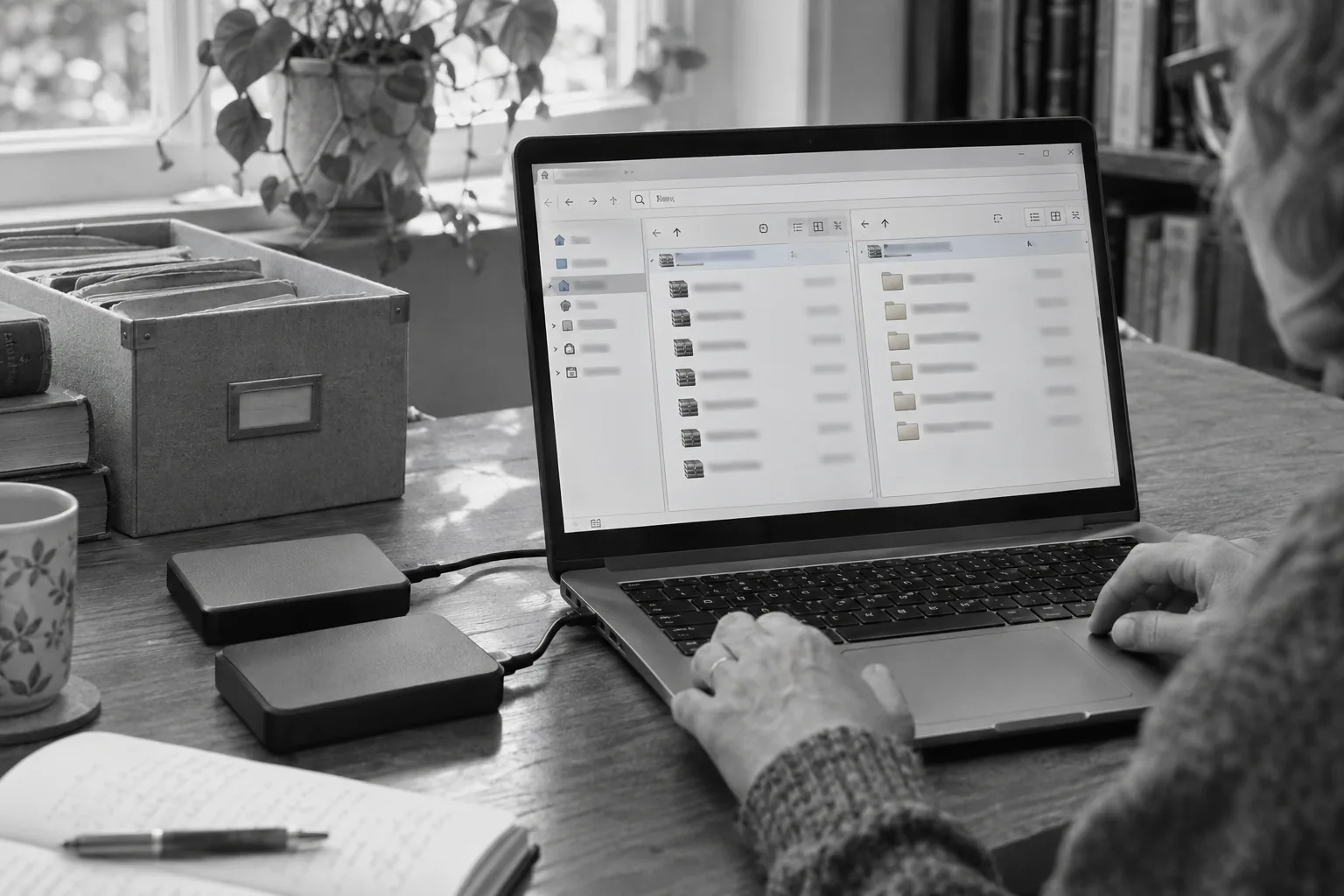
Inspect the working folders before reorganizing them. Preserve filenames and relative paths while you establish which metadata belongs with which digital object. Open documents with appropriate viewers, but do not run unfamiliar executable files. If you later rename a working file for convenience, record its original path and new path in your log; the untouched download remains your reference copy.
Open the available JSON metadata and identify its records
Open the JSON linked beside your chosen ZIP in a text editor or JSON viewer. JSON can contain lists, objects and nested descriptions, so expand an entry and read its surrounding information rather than treating a search hit as a complete record. The metadata describes Catalog records; it is not necessarily the text of a document in the ZIP.
For a starting point, NARA links a Nuclear Regulatory Commission metadata export beside that series’ ZIP. Search your downloaded metadata for a title or identifier from the listing, then inspect the surrounding object before trying to match local files.
Look for the record’s NARA identifier and descriptive information, then compare any references to digital objects with the files you actually saved. Record the field names you find rather than assuming a schema. For broader research guidance, see our primary sources guide.
Connect each local file to its catalogue record
Use the identifier you found in the metadata to search the NARA Catalog. Compare the resulting description’s title and other details with the metadata and the local file before copying its URL into your log. If the identifier belongs to a series rather than an individual document, label the link as a series description; do not present it as that document’s own record.

Use this tracking template for each file. Replace the bracketed entries with information from your copy and its matching description:
| Local path | Package label | NARA identifier | Confirmed Catalog URL | Download date | Record update date | Original publication date |
|---|---|---|---|---|---|---|
| [path in working folder] | [label on NARA page] | [identifier found in metadata] | [URL copied from matching Catalog description] | [your retrieval date] | [date explicitly identified as a record update, if available] | [date explicitly stated, if available] |
Keep the dates distinct: your download date records when you obtained the copy; a package update concerns the download; and a Catalog description date concerns the description, not necessarily the document. NARA’s recordkeeping start date marks when a record group, collection or series began to be created, maintained or accumulated—not when an individual document was published. If no record update or original publication date is explicitly given, leave the corresponding cell blank rather than borrowing another date.
Understand what inclusion in the collection means
Describe the material by its record and subject, not simply as a “sighting.” NARA’s UAP records-management guidance defines collection scope by provenance and subject matter and covers varied record types. It also excludes temporarily non-attributed objects. Inclusion in the collection does not establish that an object had an anomalous origin.
The bulk downloads from NARA’s UAP records collection cover specified records available through the Catalog, not every potentially relevant record. Some described material is unavailable online because of rights restrictions and may require onsite access. An absent download therefore does not mean no record exists; describe each item using its individual Catalog description.
Keep the download and its context together
Keep the original downloads, your working copy and the log together. A useful log lets you trace a local file back through its package and metadata to a confirmed Catalog description without confusing retrieval, update and document dates. When you need a fresh copy, return to NARA’s current download page and make a new dated entry.
Frequently Asked Questions
Are all NARA UAP records in Record Group 615?
No. NARA’s UAP holdings guide describes records across multiple record groups and collections. Records received under the FY2024 NDAA go into Record Group 615 and are added to the Catalog on a rolling basis. Our collection rollout briefing covers that background.
Where should I look for a recently transferred record that is not in a bulk download?
Start with the NARA UAP holdings guide and follow its Catalog links. NARA says it adds agency transfers on a rolling basis; check the bulk-download listing separately for a corresponding package.